 hr@ninjacodingpro.com
 ninjacodingpro
 +92 315 6421641
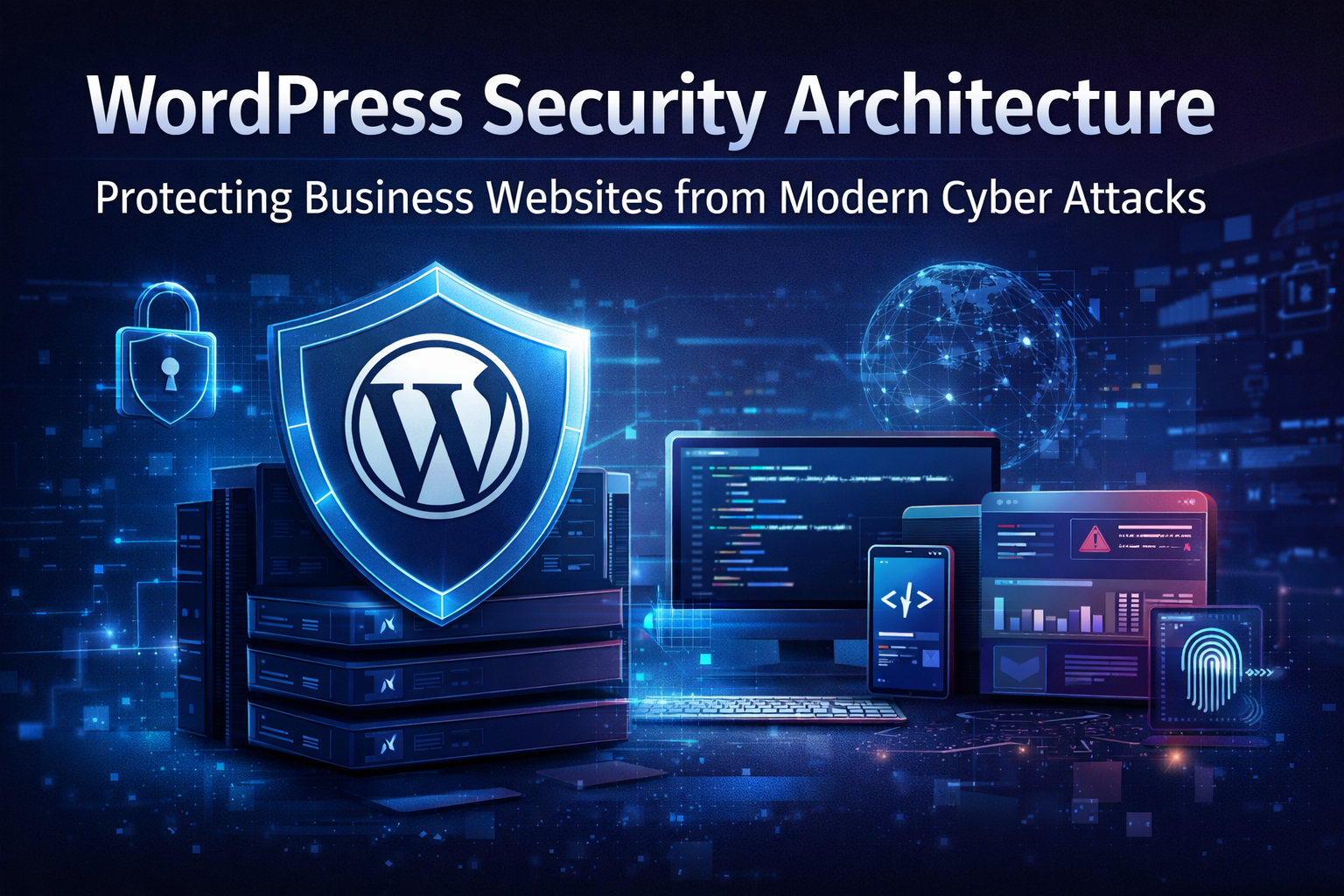
In 2026, cybersecurity is no longer optional for businesses. WordPress powers over 40% of the web, making it a prime target for malware, brute force attacks, and advanced cyber threats. Protecting your website is critical—not just for uptime, but for safeguarding sensitive data, maintaining customer trust, and preserving brand reputation.
We design robust WordPress security architectures that combine proactive monitoring, modern defense mechanisms, and automated threat mitigation to ensure your website remains resilient against evolving cyber attacks.
1. Understanding WordPress Security Architecture
WordPress security is not just about plugins—it’s a multi-layered system:
- Server-Level Security: Firewalls, secure hosting environments, and SSL/TLS encryption.
- Application-Level Security: Secure themes, plugins, and core updates.
- Data Layer Security: Database hardening, encryption, and access control.
- Monitoring & Incident Response: Real-time threat detection, log monitoring, and automated alerts.
A comprehensive architecture addresses all these layers to prevent vulnerabilities before they are exploited.
2. Common Threats to WordPress Websites
Modern attackers use sophisticated techniques to breach websites. Common threats include:
- Brute Force Attacks: Automated login attempts targeting weak passwords.
- Malware Injections: Scripts that compromise files and steal sensitive data.
- SQL Injections & XSS: Exploiting database queries or input fields to execute malicious code.
- Plugin/Theme Vulnerabilities: Outdated or poorly coded extensions can open backdoors.
- DDoS Attacks: Flooding servers to cause downtime and disrupt services.
Identifying these threats is the first step in designing a secure architecture.
3. Building a Modern Security Stack
A professional WordPress security architecture integrates multiple tools and practices:
- Secure Hosting & Firewalls: Choose managed WordPress hosting with WAF (Web Application Firewall) and malware scanning.
- Strong Authentication: Implement 2FA (Two-Factor Authentication) for admin accounts.
- Regular Updates: Keep WordPress core, themes, and plugins up to date.
- Database Hardening: Use non-default database prefixes, restrict access, and enable encryption.
- Content Security Policy (CSP): Prevents malicious scripts from executing on your site.
- Automated Monitoring: Tools like Wordfence, Sucuri, or custom AI-driven monitoring detect anomalies in real time.
Example: A visitor trying multiple failed logins triggers an automated lockout, and security admins receive an instant alert for review.
4. Proactive Threat Mitigation
Modern security is proactive, not reactive. Key strategies include:
- Automated Backups: Maintain multiple restore points to recover quickly from attacks.
- Vulnerability Scanning: Weekly scans to detect outdated plugins or weak configurations.
- Intrusion Detection Systems (IDS): Monitor file changes, unauthorized logins, and abnormal traffic patterns.
- AI-Powered Analytics: Predict potential attack vectors and prioritize mitigation before a breach occurs.
5. Best Practices for Long-Term Security
To maintain robust WordPress security architecture, follow these professional practices:
- Limit admin accounts and enforce strong password policies.
- Use least privilege principles for user roles.
- Regularly audit plugins and remove unused or risky ones.
- Educate your team on phishing, social engineering, and basic cybersecurity hygiene.
- Maintain a disaster recovery plan with clear steps for incident response.
Security Mindset: Beginner vs. Professional
| Security Challenge | Beginner Approach | Professional Approach |
|---|---|---|
| Weak Passwords | Reuse passwords | Enforce unique, strong passwords + 2FA |
| Malware Detection | Manual scanning occasionally | Automated real-time monitoring & alerts |
| Outdated Plugins | Ignore updates | Scheduled updates with staging testing |
| Unexpected Downtime | Wait & restore | Proactive monitoring + automated recovery plan |
| Data Breach | Panic & rebuild | Structured incident response & forensic analysis |
Conclusion: Security is the Backbone of a WordPress Business
In 2026, WordPress security is not optional—it’s strategic. A modern security architecture combines proactive monitoring, layered defenses, and AI-assisted analytics to protect businesses from ever-evolving cyber threats.
We create professional, resilient WordPress security systems that ensure your website remains safe, reliable, and performance-ready, giving businesses the confidence to focus on growth without worrying about digital threats.



Comments (0)