 Info@ninjacodingpro.com
 ninjacodingpro
 +92 315 6421641
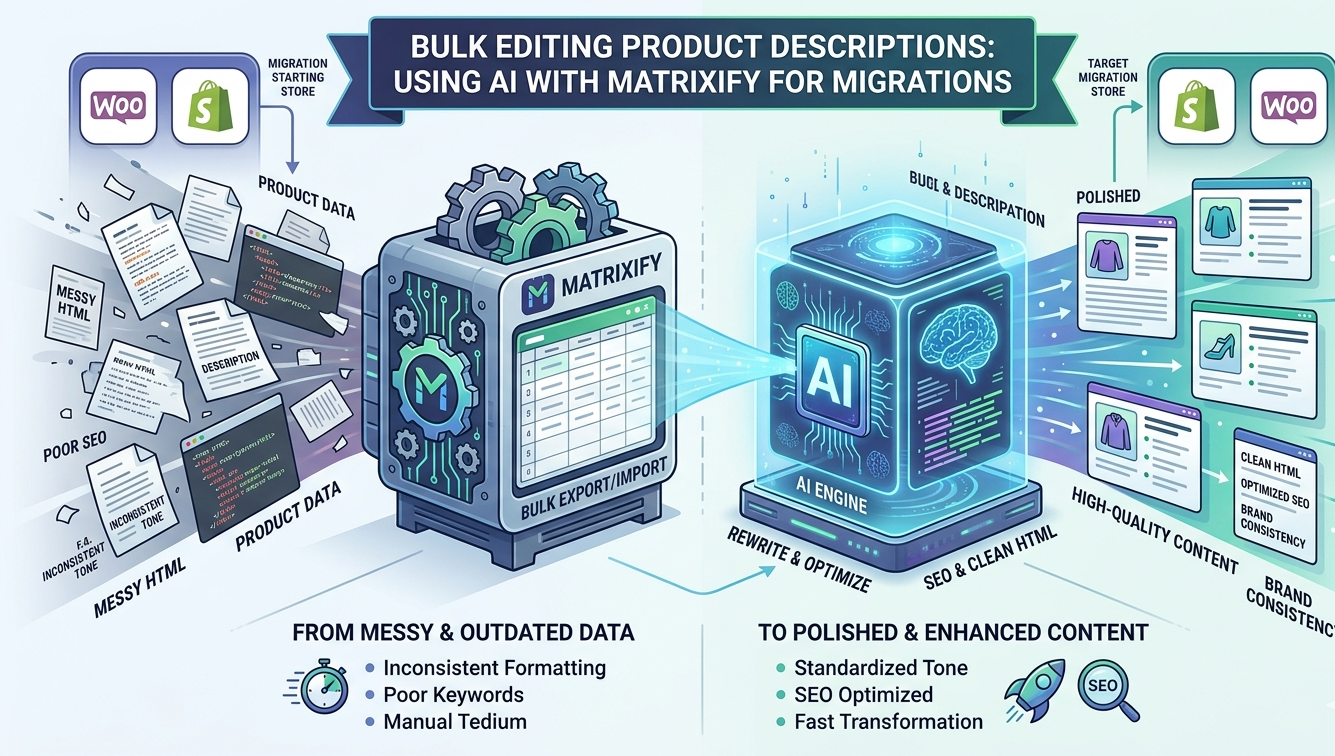
Migrating your store between Shopify and WooCommerce—or simply managing a massive catalog—often feels like trying to move a mountain one pebble at a time. The heaviest “pebbles”? Product descriptions.
Standard migrations often leave you with messy HTML, broken formatting, or outdated SEO. By combining the data-handling power of Matrixify with the creative efficiency of AI, you can transform a tedious migration into a total brand refresh.
Why Use Matrixify for Migrations?
While basic import/export tools exist, Matrixify (formerly Excelify) is the gold standard for high-volume data management. It allows you to:
- Export your entire store into a clean Excel or CSV format.
- Handle complex metafields, image alt texts, and SEO tags.
- Update thousands of items in a single upload without crashing your site.
The AI Advantage: From Data to Narrative
Usually, after a migration, descriptions are either “good enough” or a chaotic mix of old styles. AI allows you to:
- Standardize Tone: Ensure 5,000 products sound like they were written by the same person.
- Optimize for SEO: Bulk-inject keywords into descriptions based on product titles.
- Translate Content: Localize your store for new markets during the move.
- Clean HTML: Strip out “junk code” from your old platform and replace it with clean, mobile-friendly text.
The Step-by-Step Workflow
Here is how you can use this “Power Duo” to clean up your product data.
1. The Great Export
Use Matrixify to export your products. Select the “Products” sheet and ensure you include:
Handle(or ID)TitleBody (HTML)/DescriptionTagsorVendor(to give the AI context)
2. The AI Processing Phase
Open your exported file in Google Sheets or Excel. You can use tools like ChatGPT (with File Upload) or Claude to process the data.
Pro Tip: If using Google Sheets, use an extension like “GPT for Sheets” to run a prompt across your entire column.
Sample Prompt for AI:
“I am migrating from WooCommerce to Shopify. Take the following product description, strip out any inline CSS styles, and rewrite it into three concise bullet points focusing on benefits. Keep the tone professional yet enthusiastic.”
3. The Quality Check
AI is fast, but it’s not perfect. Check for:
- Hallucinations: Did it invent features the product doesn’t have?
- Formatting: Ensure it didn’t remove necessary HTML tags like
<ul>or<li>.
4. The Matrixify Import
Once your Excel sheet is updated with the new AI-generated descriptions:
- Upload the file back into Matrixify.
- Select “Update” as the job type (this ensures you don’t create duplicate products).
- Run the process and watch your store transform in minutes.
Comparison: Manual vs. AI + Matrixify
| Feature | Manual Editing | AI + Matrixify |
| Speed | Weeks/Months | Hours/Days |
| Consistency | High risk of “Writer’s Fatigue” | 100% Consistent Tone |
| SEO Strength | Hit or Miss | Data-Driven & Keyword Rich |
| Cost | High (Labor Intensive) | Low (Subscription + API) |
Final Thoughts
Migrating your store isn’t just about moving data; it’s an opportunity to improve it. By leveraging Matrixify to handle the “heavy lifting” of data transport and AI to handle the “fine-tuning” of your content, you ensure your new store is ready to convert customers from day one.



Comments (0)