 Info@ninjacodingpro.com
 ninjacodingpro
 +92 315 6421641
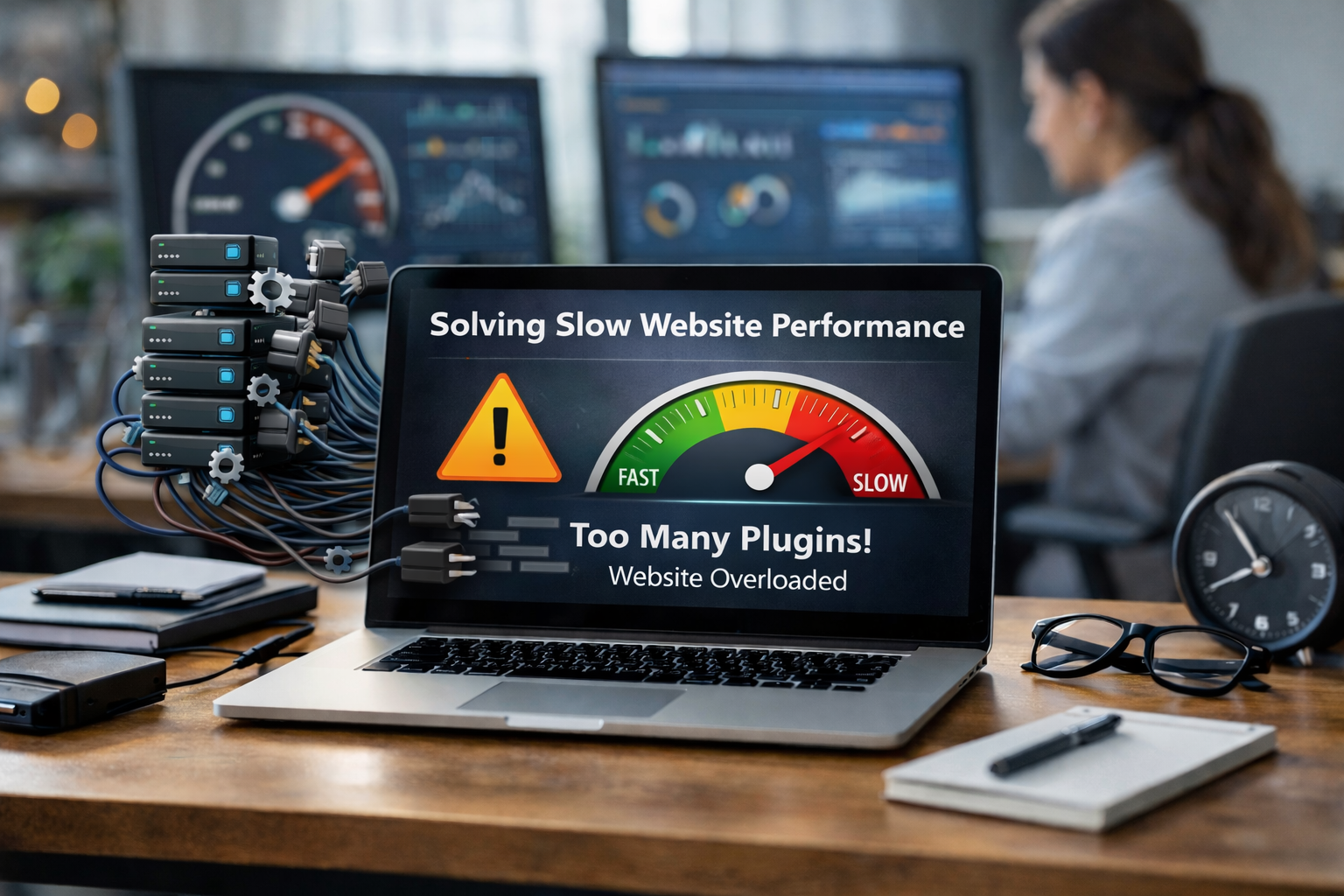
In 2026, website speed is critical for user experience, SEO, and conversions. One of the most common reasons for slow WordPress or Shopify sites is overloaded or poorly optimized plugins. While plugins add functionality, too many or poorly coded plugins can create bottlenecks, increase server requests, and slow down page load times.
we help businesses identify plugin-related performance issues and implement strategic solutions to restore speed, efficiency, and a seamless user experience.
1. Understanding How Plugins Impact Performance
Plugins are essential for modern websites, but each plugin can introduce extra code, scripts, and database queries. Over time, this can lead to:
- Increased HTTP Requests: Each plugin may add CSS, JavaScript, or image assets that load on every page.
- Database Overhead: Plugins often create tables, logs, or settings in the database, which can slow queries.
- Conflicts: Poorly coded plugins or incompatible updates can create errors and degrade performance.
- Background Tasks: Some plugins run scheduled tasks (cron jobs) that consume server resources.
Understanding these factors helps pinpoint why your site is slowing down.
2. Step-by-Step Troubleshooting for Plugin-Related Slowdowns
Step 1: Audit Installed Plugins
- List all active plugins and note their purpose.
- Identify plugins that duplicate functionality or are rarely used.
- Check plugin ratings, updates, and compatibility with your CMS.
Step 2: Measure Performance Impact
- Use tools like GTmetrix, Pingdom, or PageSpeed Insights to identify slow-loading elements.
- Test plugin impact by temporarily deactivating non-critical plugins and monitoring speed changes.
Step 3: Optimize Critical Plugins
- Configure plugin settings to disable unnecessary scripts on pages where they aren’t needed.
- Combine or minify CSS/JS files to reduce HTTP requests.
- Use caching plugins (e.g., WP Rocket or LiteSpeed Cache) to serve static content faster.
Step 4: Remove or Replace Heavy Plugins
- Replace slow or outdated plugins with lightweight alternatives.
- Avoid plugins that load excessive assets or run heavy background tasks.
- For functionality like page builders, consider native CMS solutions or optimized frameworks.
3. Advanced Solutions for Maximum Speed
- Lazy Loading & Conditional Scripts: Load plugin scripts only when necessary. For example, only load a contact form plugin on contact pages.
- Database Optimization: Clean unused plugin tables and transient data to reduce query overhead.
- Monitor Cron Jobs: Schedule background tasks during off-peak hours or optimize frequency.
- Plugin Performance Testing: Use staging environments to test plugin updates and ensure they don’t degrade speed.
4. Best Practices for Preventing Future Slowdowns
- Limit Plugin Count: Keep only essential plugins and remove duplicates.
- Choose Quality Plugins: Opt for well-coded, lightweight, and actively maintained plugins.
- Regular Maintenance: Update plugins, monitor performance, and remove unused ones.
- Implement Caching & CDN: Reduce server load and speed up content delivery.
- Monitor Analytics: Track page load times regularly to detect slowdowns early.
Slow Website Performance: Beginner vs. Pro Mindset
| Problem | Beginner Approach | Pro Developer Approach |
|---|---|---|
| Slow page load | Add more hosting resources | Audit plugins, optimize scripts, and reduce database queries |
| Plugin conflicts | Deactivate everything | Test staging environment, isolate plugin conflicts systematically |
| High server CPU usage | Ignore or upgrade hosting | Analyze plugin tasks, cron jobs, and optimize heavy processes |
| Repeated slowdowns | Reinstall CMS | Implement monitoring tools and proactive plugin management |
Conclusion: Plugins Don’t Have to Slow You Down
Overloaded plugins are a common cause of slow websites, but with systematic auditing, optimization, and smart plugin management, you can restore speed and performance.
we combine technical expertise with best practices to help businesses identify slow plugins, optimize workflows, and maintain fast, reliable websites that deliver excellent user experience and high conversion rates.



Comments (0)