 Info@ninjacodingpro.com
 ninjacodingpro
 +92 315 6421641
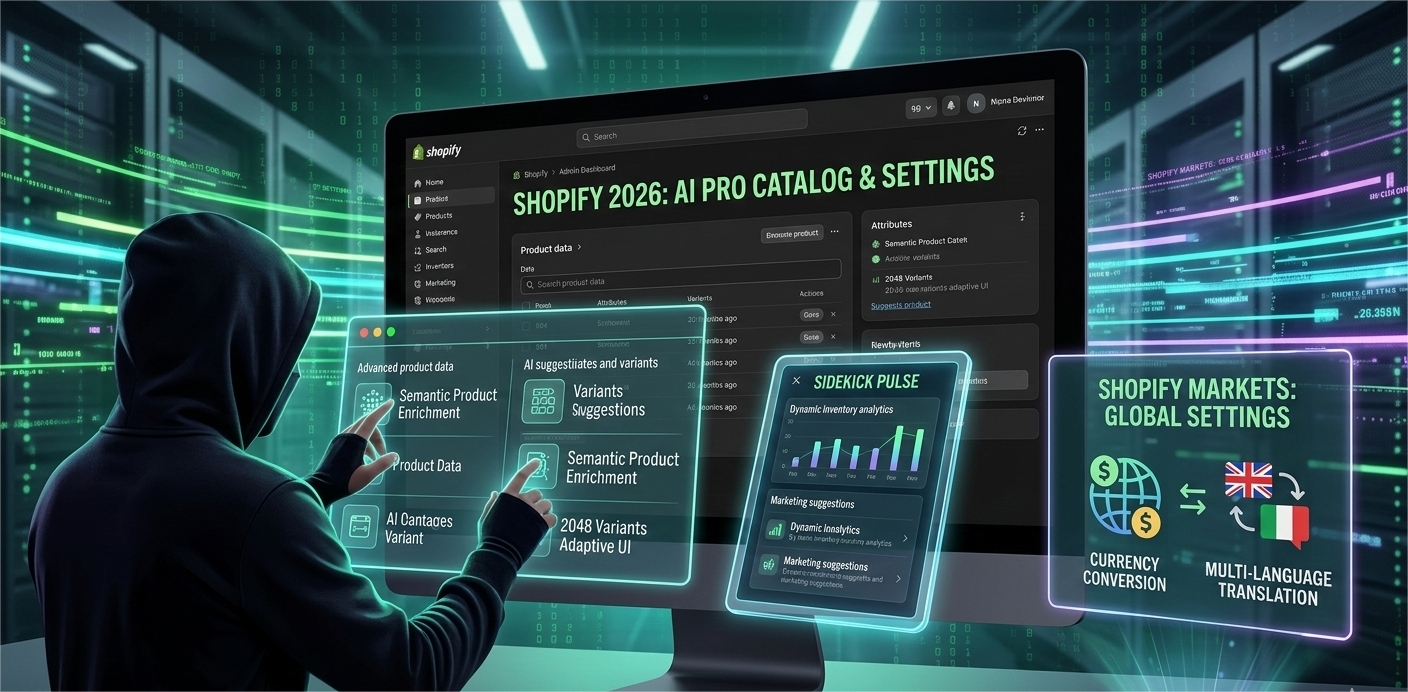
In the competitive world of e-commerce, a “basic” store setup is a recipe for failure. At Ninja Coding Pro, we believe in building high-performance digital machines. In 2026, Shopify has transformed from a simple store builder into an Intelligent Commerce Operating System.
Whether you are a developer or a store owner, mastering the new way to add products and configure backend settings is essential for ranking on Google and converting visitors into loyal customers.
1. Adding Products: The “Semantic Data” Approach
In 2026, adding a product is no longer just about a title and a description. It’s about creating a Rich Data Object that AI agents and search engines can understand perfectly.
A. AI-Powered Product Creation
With the new Shopify Magic 2.0, the platform now offers “Semantic Product Cataloging.”
- Auto-Attribute Enrichment: When you upload a product image, Shopify’s AI automatically detects the material, dimensions, and even the style category, filling in your “Product Specifications” instantly.
- Variant Expansion: Shopify now supports up to 2,048 variants per product. As a Ninja developer, you should use the new “Variant Groups” to keep the user interface clean while offering thousands of options.
B. Immersive Media Settings
Traditional photos are now secondary. To stay ahead:
- 3.D & AR Integration: Ensure every product has a 3D model. In 2026, Shopify’s native AR (Augmented Reality) viewer allows customers to “place” products in their room directly from the browser.
- Video First: Product pages with “Shoppable Videos” have a 137% higher conversion rate according to 2026 data.
2. Advanced Backend Settings for “Ninja” Performance
Your store’s settings are the “engine” under the hood. For Ninja Coding Pro level performance, focus on these three areas:
A. Semantic SEO & Schema
Google’s 2026 algorithm prioritizes “Search Intent.” In your Shopify Admin:
- Settings > Search Engine Listing: Use AI-generated meta-tags that match conversational queries (e.g., “Best coding laptop for Python in 2026”) rather than just flat keywords.
- Structured Data: Enable the new JSON-LD Auto-Schema in your theme settings. This ensures your product price, availability, and star ratings appear directly in Google Search results.
B. Global Markets & Currency
In 2026, every store is a global store. Use Shopify Markets to:
- Localize Pricing: Use AI-driven dynamic pricing that adjusts based on the customer’s local economy and shipping costs.
- One-Click Translation: Integrate the new “Global Translate” feature to offer a native experience in 50+ languages with zero manual work.
3. The 2026 “Pro” Setup Checklist
| Feature | Basic Setup | Ninja Coding Pro Setup |
| Product Entry | Manual Description | AI Semantic Drafting |
| Media | 2-3 JPG Images | 3D Models + WebP Video |
| Variants | Up to 100 | 2,000+ with Adaptive UI |
| SEO | Meta Keywords | Neural Intent Matching |
| Checkout | Standard Flow | Biometric & One-Click Checkout |
4. Automation with “Sidekick Pulse”
The ultimate setting for any 2026 Shopify store is Sidekick Pulse. This is an AI co-pilot that monitors your store 24/7.
- Pro Tip: Set up “Pulse Alerts” for inventory. If a product is trending on TikTok, Sidekick will automatically suggest increasing stock and adjusting the ad budget to capitalize on the trend.
Conclusion: Master the Shopify Ecosystem
At Ninja Coding Pro, we don’t just “make” websites; we architect ecosystems. The new Shopify updates are designed to remove manual drudgery, allowing you to focus on strategy and scaling. By mastering the AI-driven product entry and advanced global settings, you aren’t just running a shop—you’re leading the market.



Comments (0)